Before choosing an infotainment system, distinguish phone projection from built-in navigation
A navigation screen can display information supplied by the phone or by the car’s own system. Before choosing a vehicle, identify which experience you actually want and how the exact setup supports it. A clear stationary demonstration is more useful than assuming every screen with maps offers the same connection.
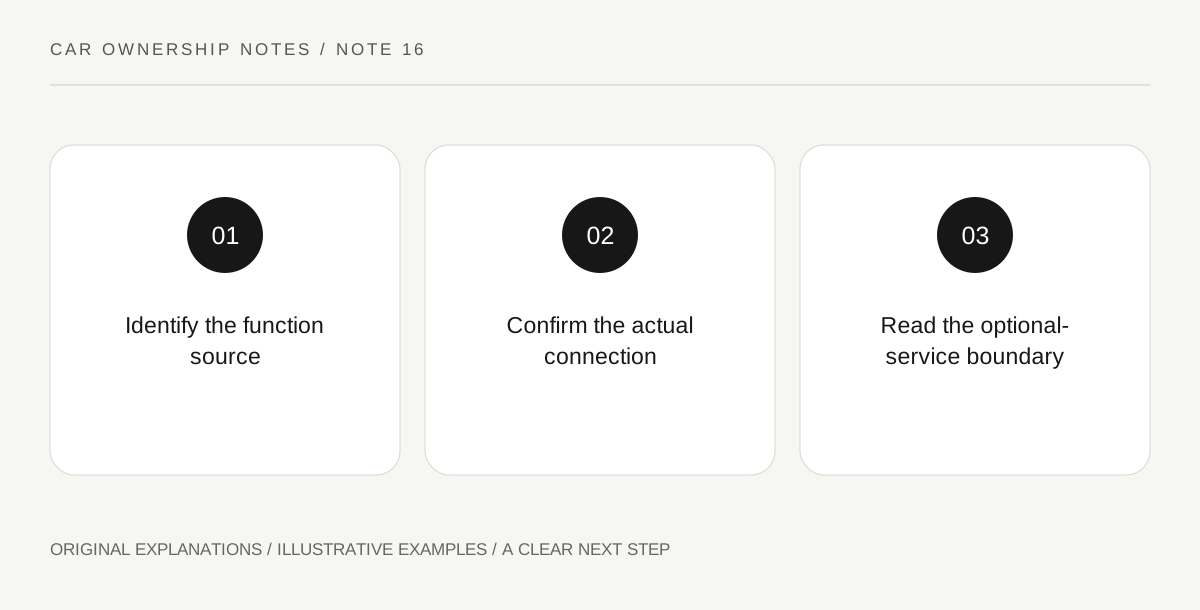
Original explanatory diagram. Read the full method and limitations below.
Name the source of the function
Apple’s support information describes CarPlay as an iPhone experience requiring compatible vehicle and regional support. Distinguish that from the car’s own navigation or a separate connected service. Ask the seller which system is being demonstrated and which parts depend on the phone, its apps or the vehicle’s services. Keep the answer specific to the actual equipment. A familiar map image does not establish the source, connectivity requirements or continuing availability of every feature shown.
Check wired and wireless separately
Apple distinguishes wired and wireless CarPlay arrangements according to vehicle support. Ask which the exact car offers with the phone you intend to use. A USB socket alone is not a complete compatibility statement, and another trim’s demonstration may not apply. Carry out any appropriate demonstration only while safely parked, following the actual instructions. This is a pre-purchase usability question, not permission to configure devices or interact with complex screens while driving.
Observe a small ordinary task
Choose one stationary task relevant to your use, such as finding the source-selection screen or reading the system’s displayed app layout. Ask how a second driver’s legitimate device is handled if that matters to the household. Keep the demonstration simple and avoid entering unnecessary personal contacts or sensitive destinations into a car you do not own. Record what was actually shown and what remains unconfirmed rather than generalizing one connection into a guarantee about all phones and future software.
Compare the fallback you would accept
Ask what remains available if you do not connect the phone or do not retain a separate vehicle subscription. Read the current actual terms before relying on an answer. A person may prefer a phone-based experience, a built-in one or a modest alternative, but the choice should be conscious. The useful notebook separates required equipment, optional services and personal preferences, so a polished demonstration does not hide the ownership arrangement behind it.
An illustrative ownership comparison
Imagine a buyer wanting a wireless phone-projection experience. During a parked demonstration, the exact vehicle supports a different connection than the buyer expected, while its built-in map belongs to a separate service. The buyer records those distinctions before deciding. This fictional scenario establishes no real car’s compatibility, subscription price or future feature support and describes no on-road device interaction.
Questions that come up
Does a map on the display prove built-in navigation?
No. The phone may be supplying the experience. Ask which system is active and what equipment or services it requires on the actual vehicle.
Does a USB socket establish wireless CarPlay support?
No. Apple describes different supported arrangements. Confirm the actual vehicle, phone and regional requirements rather than transferring a demonstration from another configuration.
References and scope
These sources support the factual background. Examples and exercises are original illustrative teaching material. References do not imply endorsement.
- Apple Support — connecting devices to a car — CarPlay requires compatible vehicle and iPhone arrangements; wired and wireless support differ.