Before choosing a connected car, ask how update downtime fits your use
A car’s software-update process can involve more than a notice on a screen. Before choosing a connected vehicle, ask which updates can require downtime and how the actual owner is informed. Keep the question specific to the model and market instead of assuming a phone-style update experience applies universally.
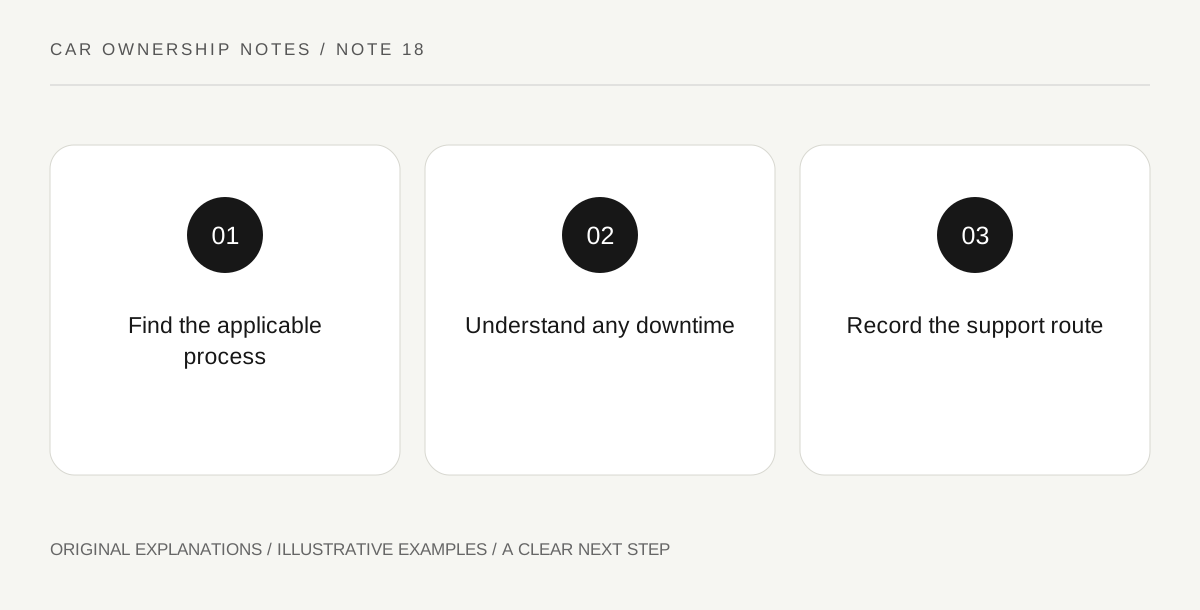
Original explanatory diagram. Read the full method and limitations below.
Read the applicable manufacturer process
Ford’s UAE update FAQ is a regional example describing some updates that require a vehicle to be unavailable for driving and provide advance notice. The useful question is whether and how the actual car’s local instructions handle such events. Do not copy that region’s procedure into another vehicle. Find the relevant owner guidance and ask the legitimate support provider about the current process. A feature advertised as over the air does not alone explain every owner action or service requirement.
Separate download from installation
Ask the provider to explain the stages relevant to the actual system, including which can occur while the vehicle remains available and which require a parked period. Record the explanation without inventing a universal duration. A large download notification is not necessarily the same event as a period when the car cannot be used. This distinction helps you understand the ownership routine without directing you to begin an update, bypass a condition or interrupt an installation.
Consider a real scheduling constraint
Think of the times when the household needs reliable access to the car, then ask how the manufacturer’s supported scheduling and notice arrangements relate to those needs. Keep any backup transport plan separate from a claim about the update system. The exercise is to understand the process before ownership, not to disable updates or assume an arbitrary deadline. Follow the actual instructions and support route for an update that cannot complete normally.
Ask where the record is available
Find how the owner sees the relevant update information and obtains legitimate support. Do not treat a salesperson’s brief demonstration as proof that all future updates are optional, immediate or guaranteed to add a particular feature. Software support and feature availability can have their own terms. Preserve the actual applicable guidance in the ownership file so that a later message is interpreted within the vehicle’s documented process rather than a generic memory of how another device behaves.
An illustrative ownership comparison
In an invented household scenario, a buyer needs the car for an early departure and asks how the actual manufacturer process gives notice of any parked update period. They record the supported scheduling information and the legitimate support contact without starting an update during the viewing. The example establishes no duration, availability guarantee, required procedure or feature promise for a real vehicle.
Questions that come up
Does over-the-air mean every update happens with no owner impact?
No such universal claim is established. Read the actual vehicle’s process, including any stated conditions or downtime, rather than importing an expectation from a phone.
Should I bypass an update condition to fit my schedule?
No. Follow the applicable manufacturer instructions and legitimate support guidance. This article organizes pre-purchase questions and provides no bypass, installation or interruption procedure.
References and scope
These sources support the factual background. Examples and exercises are original illustrative teaching material. References do not imply endorsement.
- Ford UAE — software-update FAQ — Regional manufacturer example of updates requiring vehicle downtime; exact local vehicle instructions govern.